On this page
This checklist applies to Windows Server 2016, 2019, 2022 and 2025, domain-joined or standalone. Apply it through Group Policy where you can, so settings are consistent and come back if someone changes them by hand. Each item carries the check ID used in our audit script.
Test before you enforce
SMB signing, NTLM restrictions and LSA protection can break legacy clients, old NAS devices or unsigned security plug-ins. Roll them out to a pilot OU first and watch the event logs.
1. Version and patching
- Supported version (SYS-002). Windows Server 2012 and 2012 R2 are out of support, and Windows Server 2016 leaves extended support in January 2027. Plan the move to 2022 or 2025 now.
- Monthly cumulative updates installed (PAT-001). The audit script fails a server with no update in 60 days.
- No reboot pending (PAT-002). Updates are not active until the server restarts.
- Windows Update not disabled (PAT-003), even when WSUS, Intune or Azure Update Manager deploys patches.
Get-HotFix | Sort-Object InstalledOn -Descending | Select-Object -First 5
Test-Path 'HKLM:\SOFTWARE\Microsoft\Windows\CurrentVersion\WindowsUpdate\Auto Update\RebootRequired'
2. Defender and Windows Firewall
- Real-time protection on (AV-001), or a running EDR agent.
- Signatures less than three days old (AV-002) and tamper protection on (AV-003).
- Firewall enabled for Domain, Private and Public profiles with inbound blocked by default (NET-010).
Get-MpComputerStatus | Select-Object AntivirusEnabled, RealTimeProtectionEnabled, AntivirusSignatureAge, IsTamperProtected
Set-NetFirewallProfile -All -Enabled True -DefaultInboundAction Block -DefaultOutboundAction Allow
3. SMB, LLMNR and NetBIOS
These three settings decide how easily an attacker on your network can capture and relay credentials. In internal tests, LLMNR poisoning followed by an NTLM relay to a server without SMB signing is still one of the fastest routes to domain admin.
- SMBv1 off (NET-001, NET-003). EternalBlue, used by WannaCry and NotPetya, needs SMBv1.
- SMB signing required (NET-002). Newer releases already require it on outbound connections; set the server side explicitly on every version.
- LLMNR off (NET-004) and NetBIOS over TCP/IP off (NET-005).
Set-SmbServerConfiguration -EnableSMB1Protocol $false -RequireSecuritySignature $true -Force
Disable-WindowsOptionalFeature -Online -FeatureName SMB1Protocol -NoRestart

# LLMNR (GPO: Network > DNS Client > Turn off multicast name resolution)
New-Item 'HKLM:\SOFTWARE\Policies\Microsoft\Windows NT\DNSClient' -Force | Out-Null
Set-ItemProperty 'HKLM:\SOFTWARE\Policies\Microsoft\Windows NT\DNSClient' -Name EnableMulticast -Value 0 -Type DWord

# NetBIOS over TCP/IP on every adapter (2 = disabled)
Get-CimInstance Win32_NetworkAdapterConfiguration -Filter 'IPEnabled=True' |
  Invoke-CimMethod -MethodName SetTcpipNetbios -Arguments @{ TcpipNetbiosOptions = 2 }
4. Credential protection
- WDigest off (CRD-001):
UseLogonCredentialmust not be 1, or passwords sit in memory in clear text. - LSA protection on (CRD-002):
RunAsPPL = 1stops most tools from reading LSASS memory. - Credential Guard on where hardware allows (CRD-003), except on domain controllers.
- NTLMv2 only (CRD-004):
LmCompatibilityLevel = 5, and no LM hashes (CRD-005). - No anonymous enumeration (CRD-006):
RestrictAnonymousSAM = 1,RestrictAnonymous = 1. - LAPS for the local administrator (CRD-008). Windows LAPS is built in to Windows Server 2019 and later through the April 2023 updates; use legacy Microsoft LAPS on 2016.
- Few cached domain logons on servers (CRD-007): four or fewer.
$lsa = 'HKLM:\SYSTEM\CurrentControlSet\Control\Lsa'
Set-ItemProperty $lsa -Name RunAsPPL -Value 1 -Type DWord
Set-ItemProperty $lsa -Name LmCompatibilityLevel -Value 5 -Type DWord
Set-ItemProperty $lsa -Name RestrictAnonymousSAM -Value 1 -Type DWord
Set-ItemProperty 'HKLM:\SYSTEM\CurrentControlSet\Control\SecurityProviders\WDigest' -Name UseLogonCredential -Value 0 -Type DWord
# Reboot for RunAsPPL to take effect
5. Accounts, passwords and UAC
- Guest disabled (ACC-001) and the built-in Administrator renamed or disabled (ACC-002).
- Every enabled account requires a password (ACC-004).
- Small local Administrators group (ACC-010): named admin accounts only, no service accounts.
- Minimum password length 14 (ACC-011) and lockout after 5 to 10 failures (ACC-012).
- UAC on, with a prompt for admins (ACC-020).
LocalAccountTokenFilterPolicynot set to 1 (ACC-021), or a stolen local admin hash works across every server.- AutoRun off for all drives (ACC-030).
6. Remote access
- RDP never exposed directly to the internet (NET-006). Put it behind a VPN, Azure Bastion or an RD Gateway with MFA.
- Network Level Authentication required (NET-007) and TLS security layer (NET-008).
- WinRM does not allow unencrypted traffic (SRV-004); prefer an HTTPS listener.
- No databases or legacy services on all interfaces (NET-021): SQL Server 1433, FTP, Telnet, VNC.
7. TLS and SCHANNEL
Disable SSL 2.0, SSL 3.0, TLS 1.0 and TLS 1.1 (NET-030) for the server side, then test your applications. IIS Crypto applies a best-practice template in one click; the registry path is HKLM\SYSTEM\CurrentControlSet\Control\SecurityProviders\SCHANNEL\Protocols\<protocol>\Server with Enabled = 0 and DisabledByDefault = 1.
8. Logging and auditing
- Advanced audit policy (LOG-001): Success and Failure for Credential Validation, Logon, User Account Management, Security Group Management, Process Creation and Audit Policy Change.
- Security log of at least 192 MB (LOG-002), and forwarded to a SIEM (LOG-005).
- PowerShell script block logging on (LOG-003) and the PowerShell 2.0 engine removed (LOG-004), because it bypasses logging and AMSI.
- Failed logons (event 4625) reviewed (LOG-010). The audit lists the top source addresses.
- Windows Time running (LOG-006); Kerberos fails with more than five minutes of clock skew.
auditpol /set /subcategory:"Logon" /success:enable /failure:enable
auditpol /set /subcategory:"Process Creation" /success:enable
wevtutil sl Security /ms:1073741824
Uninstall-WindowsFeature PowerShell-V2
9. Services and IIS
- Print Spooler disabled on domain controllers (SRV-001); PrintNightmare (CVE-2021-34527) and spooler-based coercion target it.
- No Telnet, FTP, SNMP, Remote Registry or UPnP unless needed (SRV-002).
- No unquoted service paths (SRV-003); each one can become a SYSTEM shell if a folder on the path is writable.
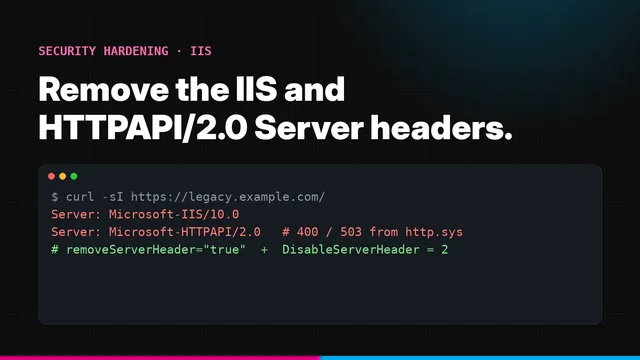
- IIS does not advertise its version (SRV-010, SRV-011). Our guide to removing the IIS Server header covers both IIS and HTTP.sys.
# Find unquoted service paths
Get-CimInstance Win32_Service | Where-Object {
  $_.PathName -notmatch '^\s*"' -and $_.PathName -match '^\s*[A-Za-z]:\\[^"]* [^"]*\.exe' -and $_.PathName -notmatch '^\s*[A-Za-z]:\\Windows\\'
} | Select-Object Name, PathName
10. Platform
- Secure Boot on (PLT-001): Gen 2 VMs in Hyper-V, EFI with Secure Boot in VMware, Trusted Launch in Azure.
- BitLocker on the system drive (PLT-002), or documented encryption at rest from your cloud provider.
Check every item in one command
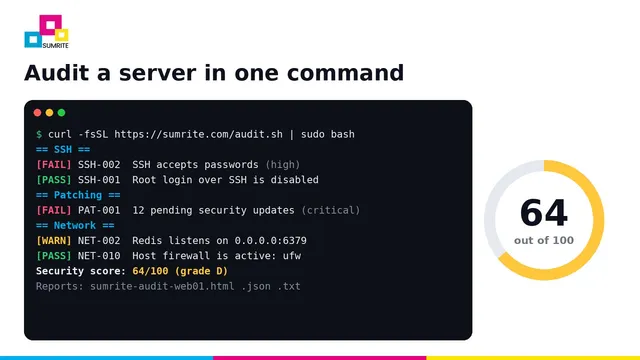
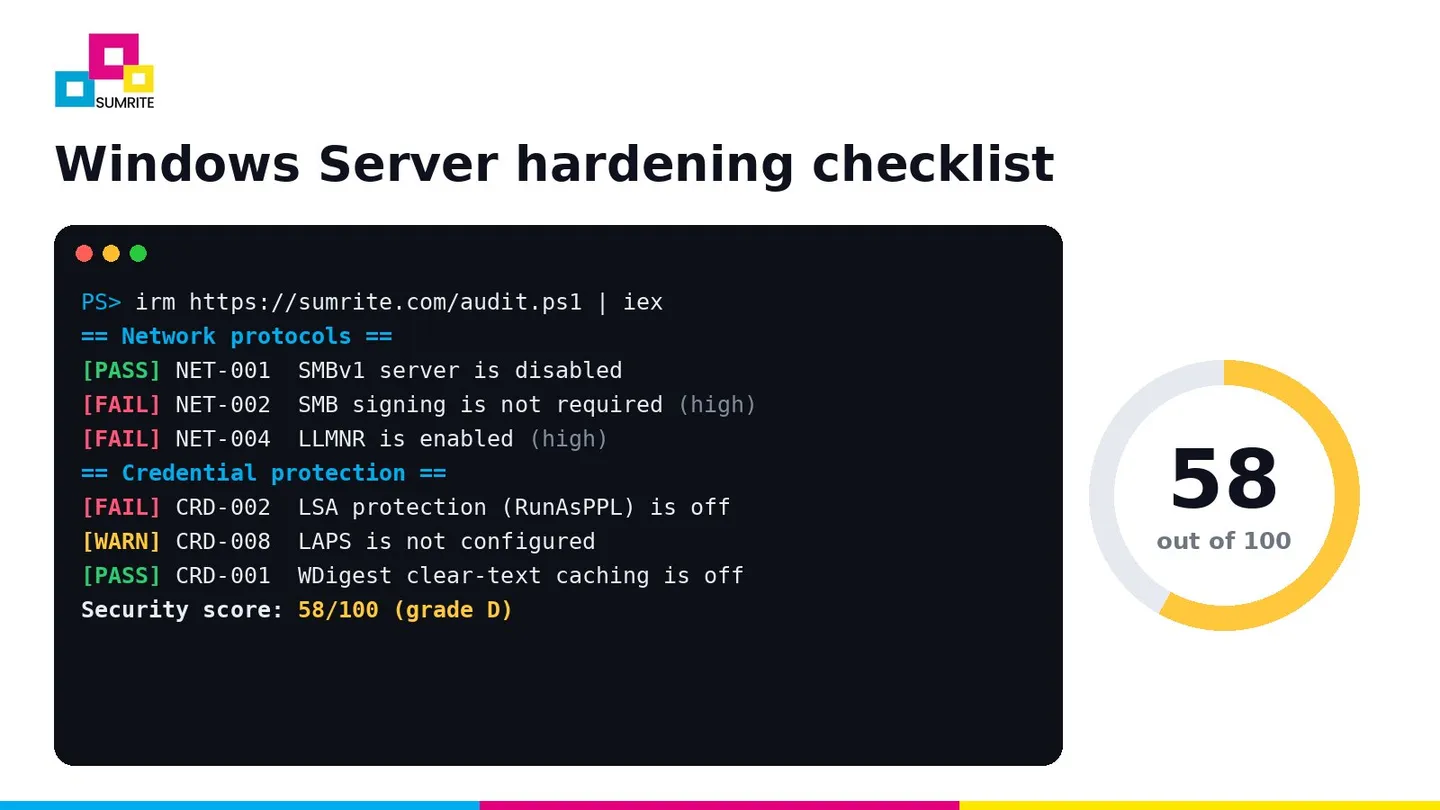
Sumrite’s free, open-source server security audit checks the settings above on Windows Server 2012 R2 to 2025, gives a score out of 100 and lists the fix for each finding. It changes nothing and makes no network connections.
# PowerShell as administrator
[Net.ServicePointManager]::SecurityProtocol = 'Tls12'; irm https://sumrite.com/audit.ps1 | iex
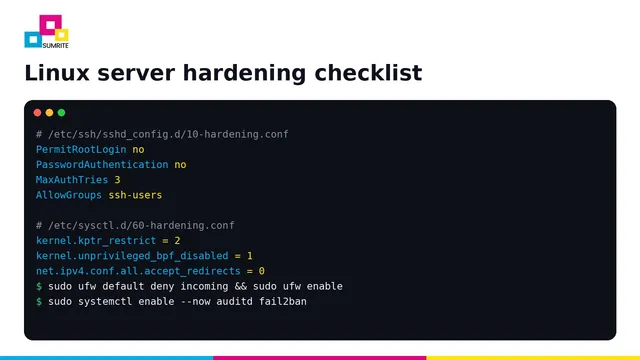
Running Linux too? See the Linux server hardening checklist; the same script covers both.
Hardening is step one. Proving it is step two.
Sumrite’s internal network VAPT and red team operations test whether an attacker can still move from one phished laptop to domain admin. Get a quote.
Frequently asked questions
What is Windows Server hardening?
Windows Server hardening means changing default settings to reduce the attack surface: patching, disabling legacy protocols such as SMBv1, LLMNR and NTLMv1, requiring SMB signing, protecting credentials with LSA protection and LAPS, enabling the firewall and Defender, and turning on detailed audit logging.
How do I check Windows Server security settings quickly?
Open PowerShell as administrator and run: irm https://sumrite.com/audit.ps1 | iex. Sumrite's free script checks about 70 settings, makes no changes and writes a scored HTML report. Microsoft's Security Compliance Toolkit and CIS-CAT are other options.
Should I disable LLMNR and NetBIOS?
Yes, in almost every environment that uses DNS. LLMNR and NetBIOS name resolution let an attacker on the local network answer name queries and capture NTLM hashes, which is one of the first techniques used in internal penetration tests.
Will requiring SMB signing break anything?
Very old clients and some NAS or printer devices may fail to connect, and there is a small performance cost on very high-throughput file servers. Windows 11 24H2 and Windows Server 2025 require signing on outbound SMB connections by default, which shows where Microsoft is heading. Test with a pilot group first.
Is the CIS Benchmark for Windows Server free?
Yes. The CIS Benchmark PDFs for Windows Server are free to download from the Center for Internet Security. Microsoft also publishes free security baselines as part of the Security Compliance Toolkit, which you can import as Group Policy.