On this page
Both tools come up whenever someone asks how to check a Linux server’s security, especially among people preparing for certifications such as OSCP. They are often mentioned together, but they answer different questions.
Lynis in one paragraph
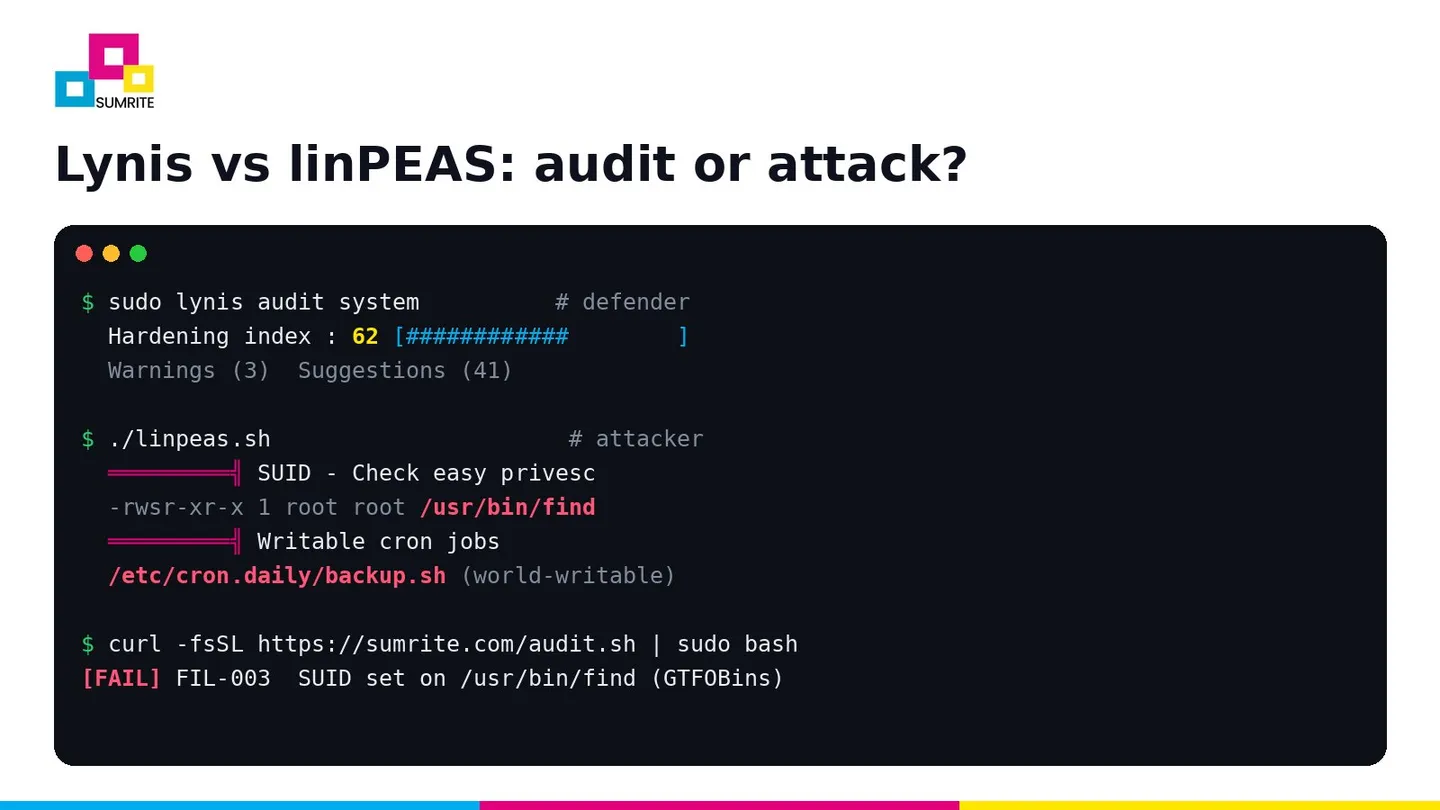
Lynis is an open-source (GPLv3) security auditing tool from CISOfy for Linux, macOS and other Unix systems. You run lynis audit system as root, it performs a few hundred tests across boot, kernel, authentication, file systems, networking, software and logging, and it finishes with a hardening index from 0 to 100, warnings and suggestions, each with a test ID you can look up. It is meant for system administrators, auditors and compliance teams, and is safe to run on production.
sudo apt install lynis            # or: git clone https://github.com/CISOfy/lynis && cd lynis
sudo lynis audit system
linPEAS in one paragraph
linPEAS is part of the PEASS-ng project (Privilege Escalation Awesome Scripts Suite), with winPEAS as its Windows counterpart. A tester who already has a low-privileged shell on a box runs it to enumerate everything that could lead to root: SUID binaries, sudo rights, capabilities, writable files and services, cron jobs, credentials in config files and history, kernel version against known exploits, container escapes and more. Its colour-coded output highlights the most promising paths in red and yellow. It is built for attackers, red teams and CTF players, not for producing a remediation report.
Side by side
- Purpose
- Lynis: measure and improve hardening. linPEAS: find a way to escalate privileges.
- Audience
- Lynis: administrators and auditors. linPEAS: penetration testers, red teams, CTF players.
- Runs as
- Lynis: root, for a full audit. linPEAS: usually an unprivileged user, as an attacker would.
- Output
- Lynis: hardening index, warnings, suggestions, log and report file. linPEAS: long colour-coded terminal output.
- Remediation advice
- Lynis: yes, per test. linPEAS: no; it shows what is exploitable, not how to fix it.
- Noise
- Lynis: moderate. linPEAS: high; often triggers EDR alerts.
- Production use
- Lynis: designed for it. linPEAS: only inside an authorised test.
- Windows
- Lynis: no. linPEAS: winPEAS is the Windows equivalent.
Where they overlap
Most of what linPEAS flags as a privilege escalation path is a hardening failure that a good defensive audit should also catch. If you fix these, linPEAS has much less to show:
- SUID or SGID binaries that spawn a shell, such as
find,vim,pythonorbash(GTFOBins). - File capabilities such as
cap_setuidon an interpreter. - sudo rules with
NOPASSWD: ALLor sudo access to editors and interpreters. - Writable cron jobs, systemd units and service binaries that run as root.
- World-writable files in
/etc,/usrand other system paths. - Readable secrets: private keys,
.envfiles and database passwords readable by other users. - Unpatched kernels and setuid helpers, such as pkexec before the PwnKit fix (CVE-2021-4034) or glibc vulnerable to Looney Tunables (CVE-2023-4911).
- Docker group membership or a writable Docker socket, both equivalent to root.
Which should you run?
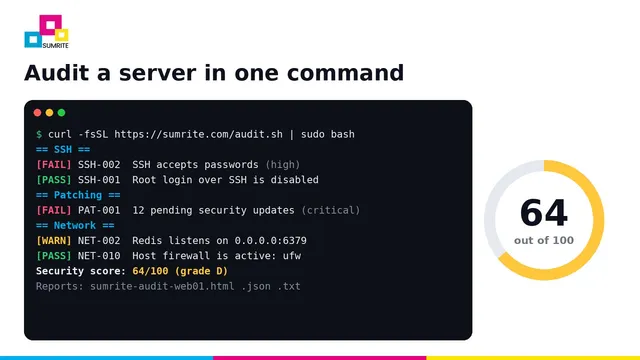
On your own servers, routinely: a defensive audit. Lynis is excellent on Linux. If you also run Windows Server or want a scored report with a one-line fix for every finding, Sumrite’s free server security audit runs in one command on Linux, macOS and Windows Server, is read-only and makes no network connections.
curl -fsSL https://sumrite.com/audit.sh | sudo bashDuring an authorised penetration test or red team engagement: linPEAS and winPEAS, alongside manual enumeration. Professional testers never rely on one script; they confirm each path by hand and then chain findings together.
Preparing for OSCP or practising in labs: learn both. Run linPEAS to see how an attacker spots paths to root, then run a defensive audit on the same box and fix what it reports. Seeing both sides makes each one easier to understand.
Do not run attack tools on systems you do not own
Running linPEAS, winPEAS or any enumeration tool on a system without written permission is unauthorised access in most countries, even if you change nothing.
A clean audit is not the end
A defensive audit finds configuration issues one host at a time. It cannot see that a backup server’s SSH key on a web server opens the database host, or that a service account in Active Directory can reset a domain admin’s password. Those chains are what attackers actually use, and finding them is the point of an expert-led network penetration test.
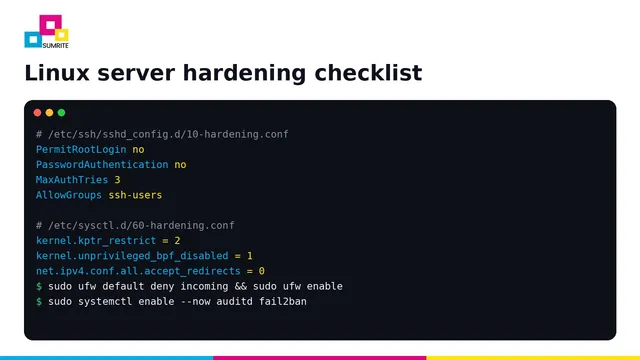
For the settings to fix first, see the Linux server hardening checklist and the Windows Server hardening checklist.
Let Sumrite's testers run the attacker's tools for you
Our network VAPT and red team operations use the same techniques as real attackers, report only verified findings, and include a free retest. Get a quote.
Frequently asked questions
What is the difference between Lynis and linPEAS?
Lynis is a defensive auditing tool: it checks a system's hardening and gives a hardening index with suggestions for administrators. linPEAS is an offensive enumeration script used by penetration testers and attackers to find privilege escalation paths after gaining a foothold. They overlap on some checks, such as SUID files and writable cron jobs, but are built for opposite audiences.
Is it safe to run linPEAS on a production server?
It does not exploit anything by default, but it is noisy: it reads a very large number of files, may trip EDR and antivirus alerts and can store sensitive findings in its output. Run it on production only within an authorised test, with the server owner's agreement and your security team informed.
Is linPEAS legal to use?
It is legal to run on systems you own or are authorised in writing to test. Running it on systems you do not have permission to test is unauthorised access in most countries.
Is there a Lynis alternative that also covers Windows?
Yes. Sumrite's free server security audit script runs on Linux, macOS and Windows Server, scores the server from 0 to 100 and writes an HTML report with a fix for each finding. On Windows, Microsoft's Security Compliance Toolkit and CIS-CAT are other options.
Should I run Lynis or linPEAS before a penetration test?
Run a defensive audit such as Lynis or the Sumrite audit script and fix what it finds first. That way the penetration testers spend their time on harder issues, and you get more value from the engagement.
Faisal Khan is a Director at Sumrite, where he oversees penetration testing, risk assessment and compliance engagements for SaaS and enterprise clients. Case studies are anonymised and published with client permission.