On this page
The features that matter
Verified findings, live
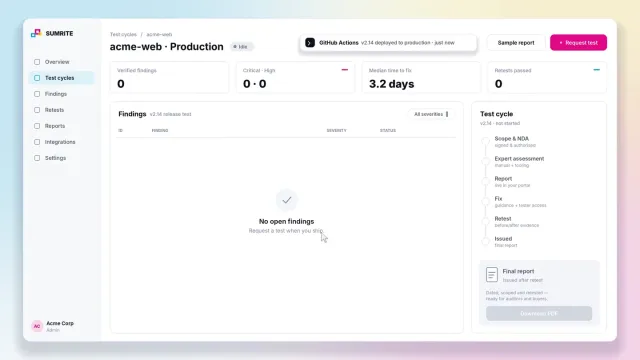
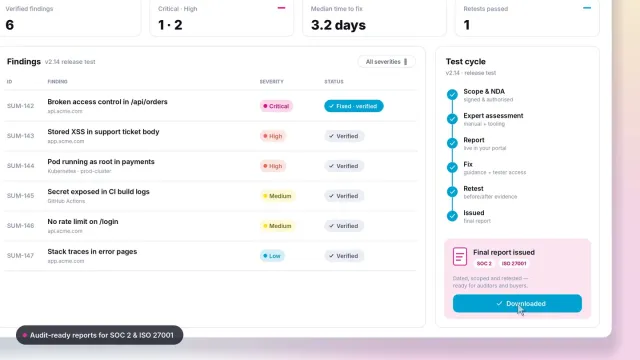
Each finding appears when a tester has confirmed it, marked as verified manually, not dumped from a scanner.
Evidence you can reproduce
The original request and response, the affected target and the release it was found in, so engineers do not need a call to understand it.
Fix guidance for your stack
A specific instruction, such as checking order.owner against the session user on every orders request, not a link to a standard.
Jira and GitHub sync
One click creates a ticket with severity, evidence and fix guidance, and the link stays on the finding.
Per-finding retests
Request a retest when the fix ships, note what changed, and see it marked fixed and verified with fresh evidence.
Audit-ready reports
A dated, scoped, retested report for every cycle, ready for SOC 2, ISO 27001 and customer reviews.
Anatomy of a good finding
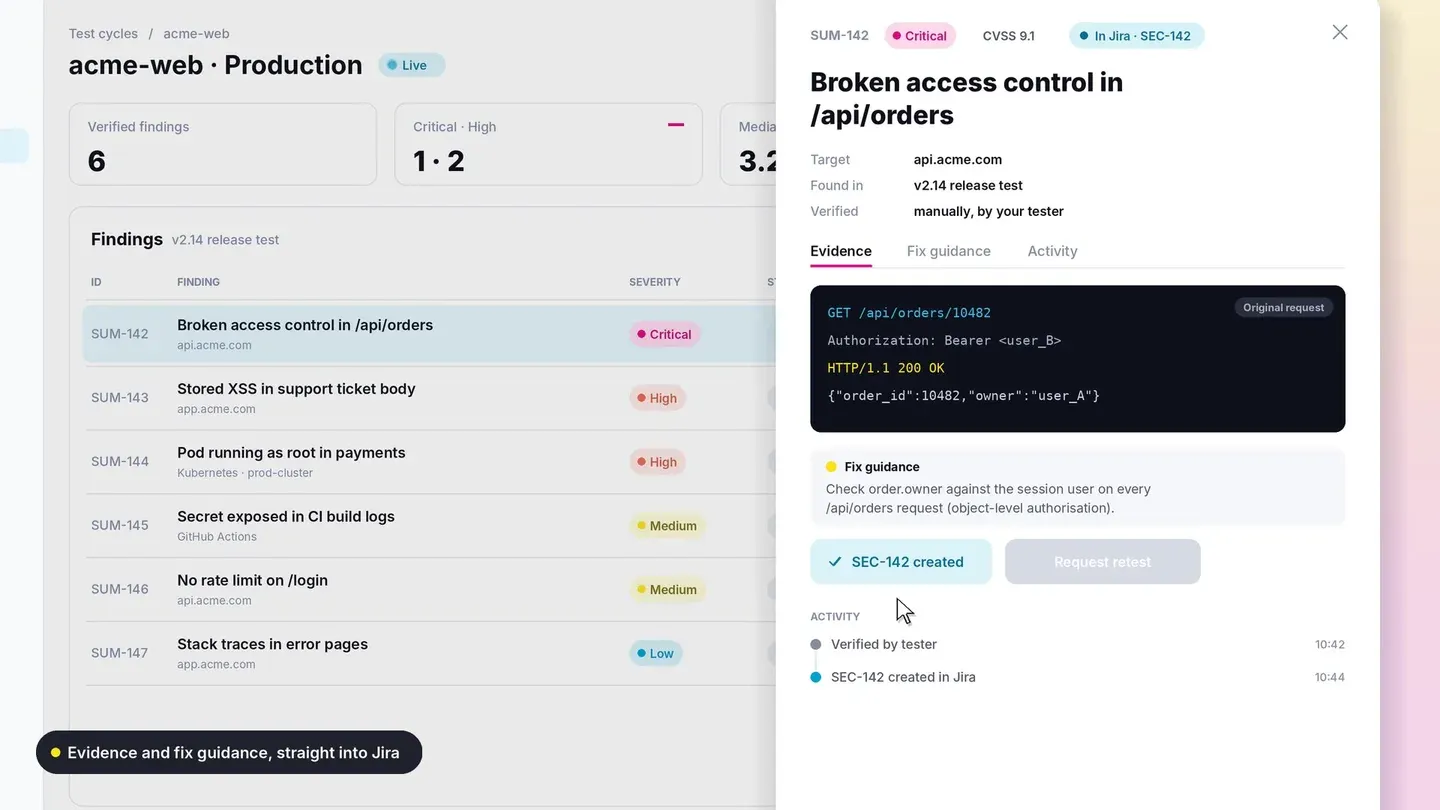
In the Sumrite platform, a critical finding such as broken access control in an orders API shows:
- Header
- Finding ID, severity, CVSS score and its Jira ticket.
- Context
- Target host, the release it was found in, and who verified it.
- Evidence
- The request made as one user and the response returning another user's order.
- Fix guidance
- What to change, in terms your developers can act on.
- Activity
- Verified, ticket created, fix deployed, retest requested, retest passed, each with a timestamp.
That trail is what turns a list of vulnerabilities into proof that they were fixed. It is the same discipline as a good sample VAPT report, delivered live.
Red flags when evaluating a platform
- Findings appear with no indication that a person verified them
- Most findings are missing headers, cookie flags and version banners
- Evidence is a scanner description instead of a real request and response
- Retests cost extra, or a finding can be closed without one
- You cannot export a dated report for a specific test cycle
- There is no way to scope a test to a specific release
Questions to ask in a demo
Ask to see a finding from request to retest: how it was found, how it reached Jira, what the retest evidence looked like. Ask who the testers are and how a release test is scoped. Ask for a report from a past cycle. If the answers are about dashboards rather than testing, keep looking.
For background, read what PTaaS is, PTaaS vs traditional penetration testing and continuous penetration testing in CI/CD.
See the Sumrite PTaaS platform
Watch a finding go from verified to retested on the continuous penetration testing page, or get a quote.
Frequently asked questions
What is a PTaaS platform?
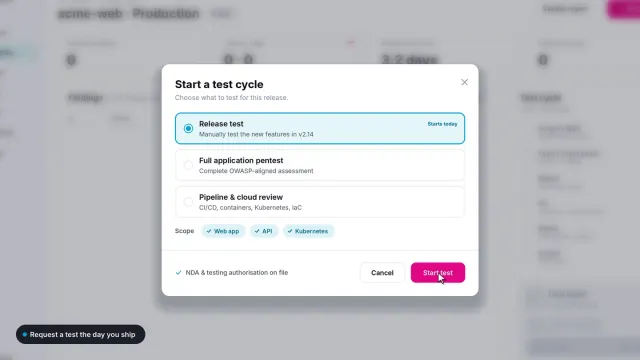
The software side of penetration testing as a service: a portal where test cycles are requested, verified findings are published with evidence and fix guidance, issues are synced to Jira or GitHub, retests are requested and tracked, and reports are downloaded.
What features should a PTaaS platform have?
Live publication of verified findings, severity and CVSS scores, request and response evidence, specific fix guidance, Jira and GitHub integration, per-finding retests with before-and-after evidence, an activity history, and dated reports for each test cycle.
Does a PTaaS platform replace the pentest report?
No, it adds to it. The platform is where work happens day to day; the dated, scoped and retested report for each cycle is still what auditors and buyers receive.
What is a red flag in a PTaaS platform?
Findings nobody verified by hand, a findings list dominated by missing headers and version banners, retests that are not included, and no way to see who tested what and when.
Faisal Khan is a Director at Sumrite, where he oversees penetration testing, risk assessment and compliance engagements for SaaS and enterprise clients. Case studies are anonymised and published with client permission.