On this page
Side by side
- Who does it
- Scan: a tool. VAPT: an expert, using tools to speed up routine work.
- What it finds
- Scan: known patterns and misconfigurations. VAPT: those, plus logic, authorisation and chained flaws.
- False positives
- Scan: common. VAPT: removed by verification.
- Output
- Scan: a list. VAPT: a report with evidence, impact and fixes.
- Accepted by auditors
- Scan: often not alone. VAPT: usually yes, with a retest.
- Cost
- Scan: free or low. VAPT: scoped and priced by effort.
What a scanner is good at
Scanners find missing security headers, outdated software, exposed services and common misconfigurations quickly and repeatedly. That is useful, and it is why we offer it free at scan.sumrite.com. Issues like a missing Content-Security-Policy, HSTS or anti-clickjacking header can be found and fixed without paying anyone.
What a scanner cannot do
It cannot log in as two customers and check whether one can read the other’s data. It cannot understand your pricing rules, approval flow or API permissions. It cannot decide which of fifty findings matters. That is expert work; see what makes a VAPT report worth paying for.
When is a scan enough?
- Day-to-day hygiene between tests: yes
- Checking for newly exposed services: yes
- Satisfying a customer who asks for a third-party penetration test: no
- SOC 2, ISO 27001 or PCI DSS evidence: no
- Finding broken access control or business-logic flaws: no
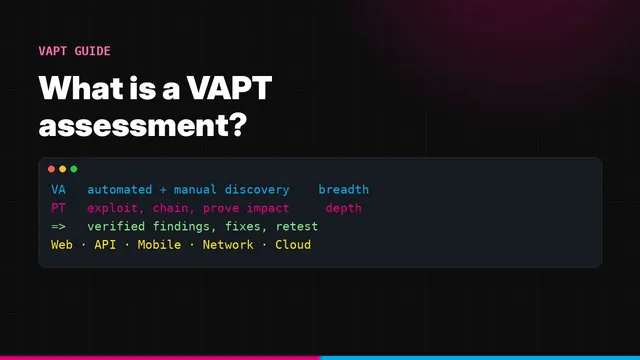
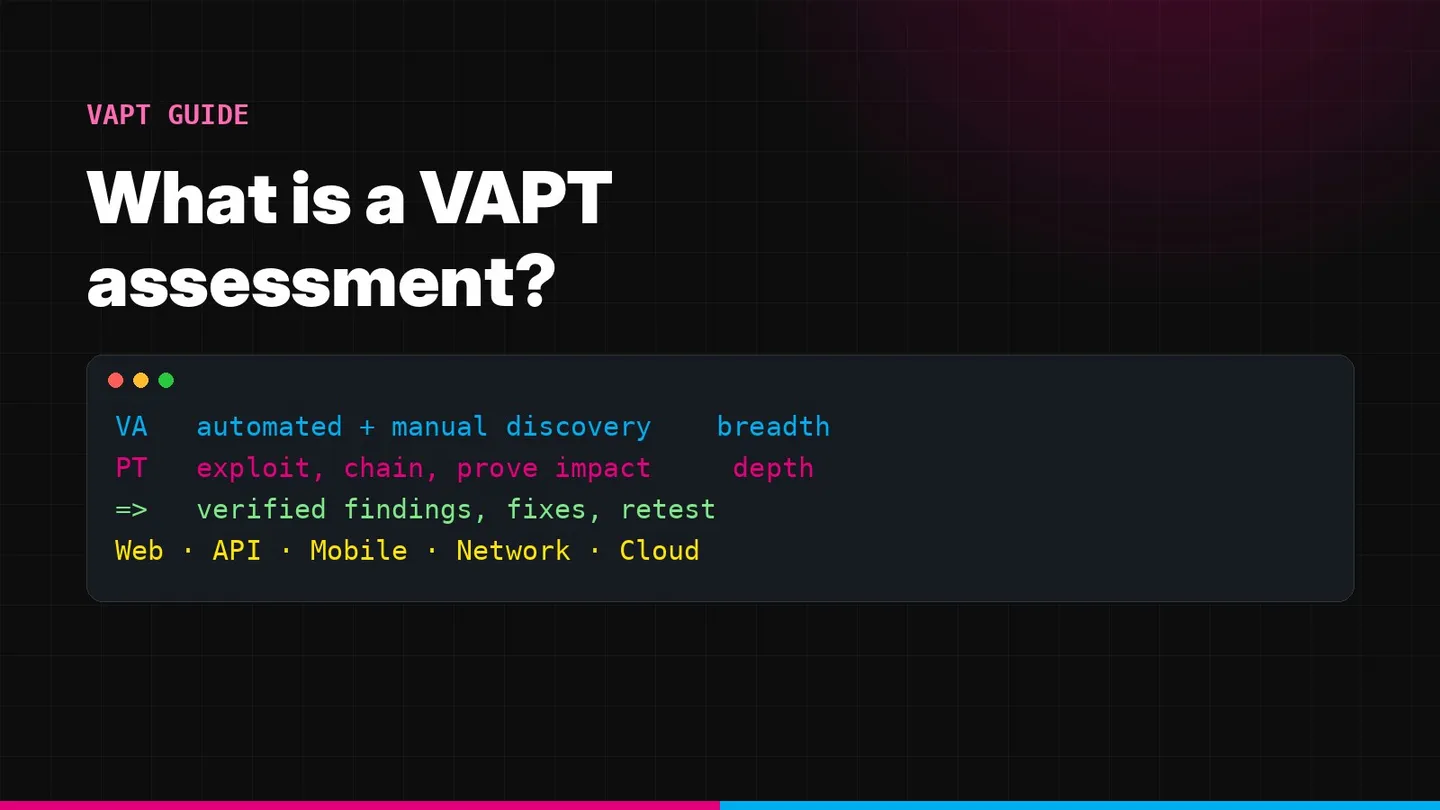
For definitions see what is a VAPT assessment.
Scan first, then test
Run the free scan, fix what it finds, then bring us the rest. Get a quote.
Frequently asked questions
What is the difference between VAPT and a vulnerability scan?
A vulnerability scan is automated and lists known issues. VAPT adds expert verification and exploitation, so the report shows which issues are real, what they allow and how to fix them.
Is a vulnerability scan enough for compliance?
Usually not for audits or enterprise reviews that ask for an independent penetration test. A scan is useful for continuous hygiene but does not show exploitability or business-logic flaws.
Can I run a vulnerability scan for free?
Yes. Summit's free scan at scan.sumrite.com checks for scanner-level issues such as CSP, HSTS, Server header and clickjacking protection.
How often should I scan versus test?
Scan monthly or continuously. Run expert-led VAPT at least once a year and after major changes.
Faisal Khan is a Director at Summit, where he oversees penetration testing, risk assessment and compliance engagements for SaaS and enterprise clients. Case studies are anonymised and published with client permission.